
How Submitting Coupon Codes to Deal Sites Can Drive Real Sales (No Ads Needed)
Discover how submitting coupon codes to deal sites can drive real, qualified traffic and boost SaaS sales — without spending a dime on ...
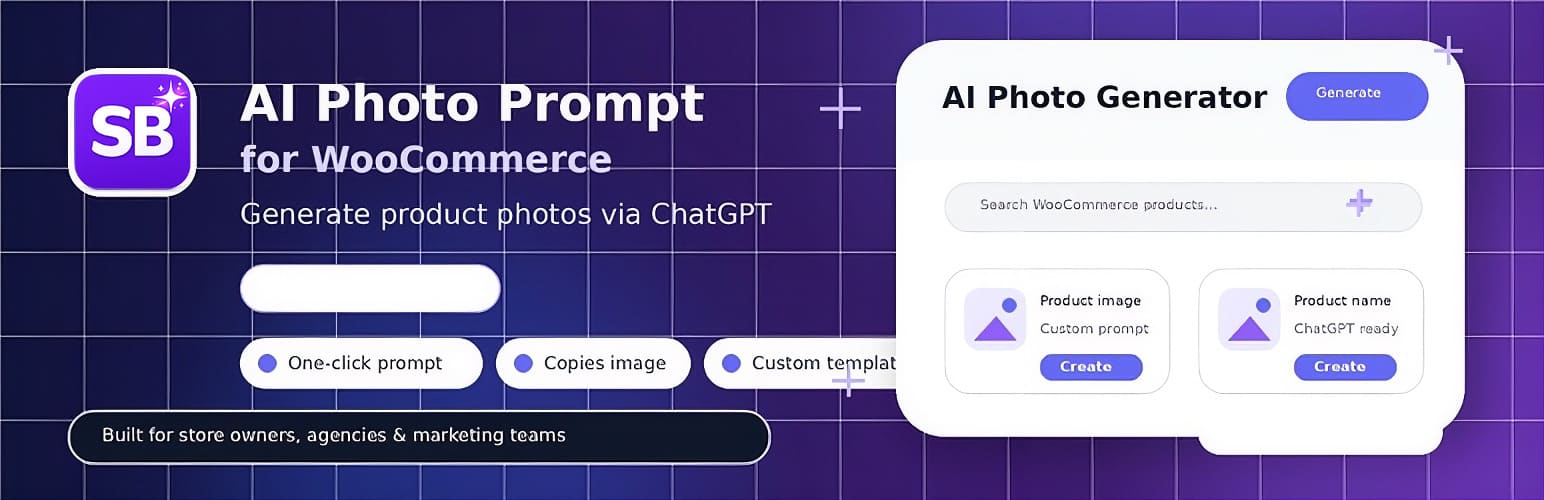
This is a milestone we’ve been working toward for a while: Brahmabit’s first plugin is officially live in the WordPress.org plugin directory.
It’s called Brahmabit AI Photo Prompt for WooCommerce, it’s completely free, and you can download it right now at wordpress.org/plugins/brahmabit-ai-photo-prompt-for-woocommerce.
If you run a WooCommerce store and want to generate AI product photos — for social media, ads, or listings — you’re probably familiar with the manual grind: download the product image, open ChatGPT, write a prompt from scratch, paste the image, send, wait…
Brahmabit AI Photo Prompt cuts that entire workflow down to a single click.
Here’s exactly how it works:
The prompt template supports dynamic placeholders: {{product_name}}, {{category}}, {{description}}, {{sku}}, and {{price}} — so every prompt is tailored to the specific product, automatically.
This plugin was built with WooCommerce store owners, social media managers, and marketing teams in mind — specifically those who:
Access to the panel is role-controlled (admin, editor, shop manager), so you can give a team member access without exposing the full WordPress backend.
Getting a plugin approved in the official WordPress.org directory isn’t straightforward. There’s a manual code review, strict requirements around security, GPL licensing, file structure, and documentation. We went through several iterations before approval.
But it’s worth it. Being on WordPress.org means:
The free plugin is the entry point. If you want to take the next step and put your entire social media on autopilot — automated content generation, multi-channel publishing, AI strategy, analytics — that’s what Social Bit PRO is built for.
| Feature | Brahmabit Photo Prompt (Free) | Social Bit PRO |
| AI Product Photo Generator | ✓ | ✓ |
| WooCommerce Product Browser | ✓ | ✓ |
| ChatGPT Prompt Automation | ✓ | ✓ |
| Automated Facebook & Instagram Publishing | — | ✓ |
| LinkedIn & TikTok Publishing | — | ✓ |
| AI Strategy Reports | — | ✓ |
| Content Calendar + Auto-Scheduling | — | ✓ |
| Custom Brand Voice & DNA | — | ✓ |
| Performance Analytics | — | ✓ |
| Multi-account Management (Agencies) | — | ✓ |
Alternatively, download the ZIP directly from wordpress.org and upload it manually.
This is Brahmabit’s first public plugin — updates and improvements will follow based on real-world feedback. If you run into issues or have suggestions, the official support forum is available on the plugin’s WordPress.org page.
If the plugin saves you time, leaving a review on WordPress.org makes a real difference — open-source thrives on it.
👉 Download Brahmabit AI Photo Prompt for WooCommerce — Free
👉 Explore Social Bit PRO